POS Analytic Account
Attribute each Point of Sale store/session's revenue to an analytic account for cost-center reporting
The video below shows POS Analytic Account running on a real Odoo 19 database. Want it driven against your own data, or a question answered first? Ask and we will set up a session.
Community's Point of Sale has zero analytic-account concept anywhere - no overlap found before building. Set a default analytic distribution per Point of Sale (store/register); every sales line in that POS's session closing journal entry is tagged with it automatically, ready for the standard Analytic Items reports.
What it does
Post each session's revenue to an analytic account
Session closing entries include analytic account allocation so revenue is recorded to analytic accounts during posting instead of requiring manual journal entries.
Apply the same distribution to every sales line
The configured distribution is applied to every sales line posted at session close, giving line-level revenue attribution for reporting.
Configure distribution per Point of Sale
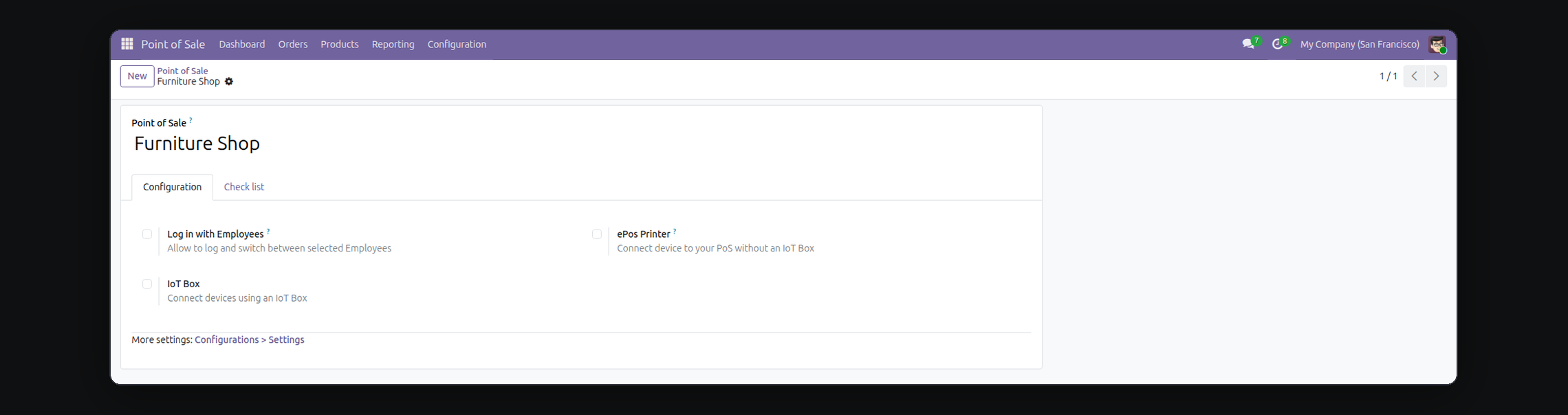
Set the analytic distribution for each store from the Point of Sale configuration form so each store/session uses its own allocation on close.
Screenshots
Requirements
- Odoo 19.0, Community or Enterprise.
- Odoo.sh or On-Premise only. Third-party apps cannot be installed on Odoo Online (SaaS) databases — check your hosting before buying.
- Module
mh_pos_analytic_account, version 19.0.1.0.10, licensed OPL-1.