Access Config Check
How much of your access configuration — groups, model access rights and record rules — was made by hand and exists nowhere but this database
The video below shows Access Config Check running on a real Odoo 19 database. Want it driven against your own data, or a question answered first? Ask and we will set up a session.
What it does
Two kinds of access right, and they look identical
A module brings them, and they carry an XML id — a stable name that means the same record in every database that module is installed in. Or somebody added them by hand in the interface, and they carry nothing at all.
In the interface both are just a line in a list.
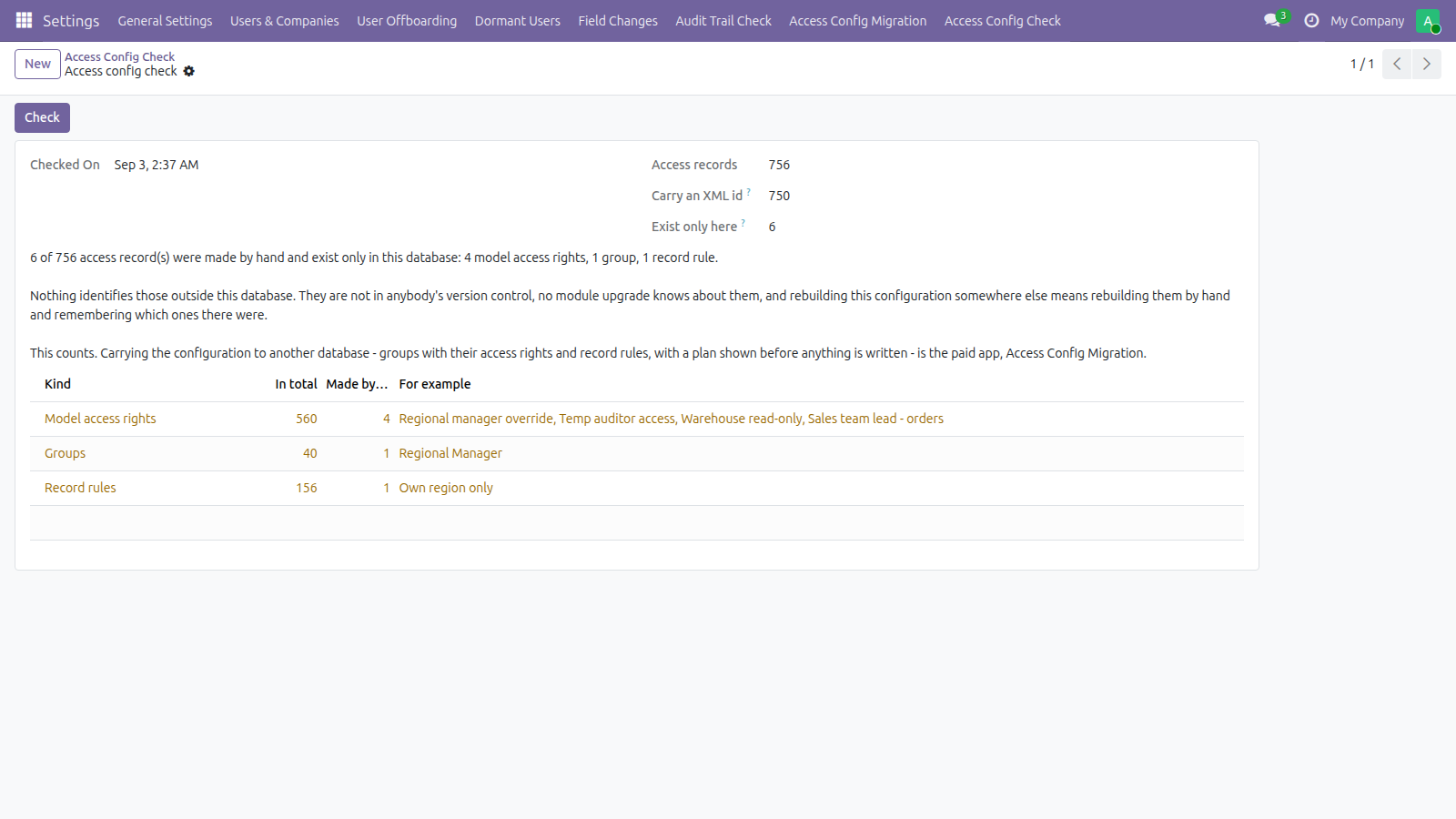
Groups, model access rights and record rules: how many there are, how many are portable, and how many exist only here — with the hand-made ones named.
Why the difference matters
A hand-made access row, group or record rule cannot be carried to another database by anything, because nothing outside this database identifies it. It is in nobody's version control, so it is in no review and in no backup short of a full database dump. And it is invisible to a module upgrade, which knows only about its own rows.
The number is usually larger than people expect, which is the point of counting it.
What it does not do
Stated up front so nothing about the scope is a surprise after you install it.
Screenshots
Requirements
- Odoo 19.0, Community or Enterprise.
- Odoo.sh or On-Premise only. Third-party apps cannot be installed on Odoo Online (SaaS) databases — check your hosting before buying.
- Odoo 19, Community or Enterprise. No dependencies beyond the base system. Administrator access, since it reads the access configuration. Nothing is written to it.
- Module
mh_access_config_check, version 19.0.1.0.10, licensed OPL-1.
Related apps
Move Odoo attachments out of the filestore into a Google Drive folder, using Odoo 19 own cloud storage migration - Drive is the provider Odoo does not ship
Hide or lock any field for the groups you choose, on any model, enforced by the server and not just hidden in the form view
Write a record rule and see how many records it actually leaves a chosen user, counted for real before you save it